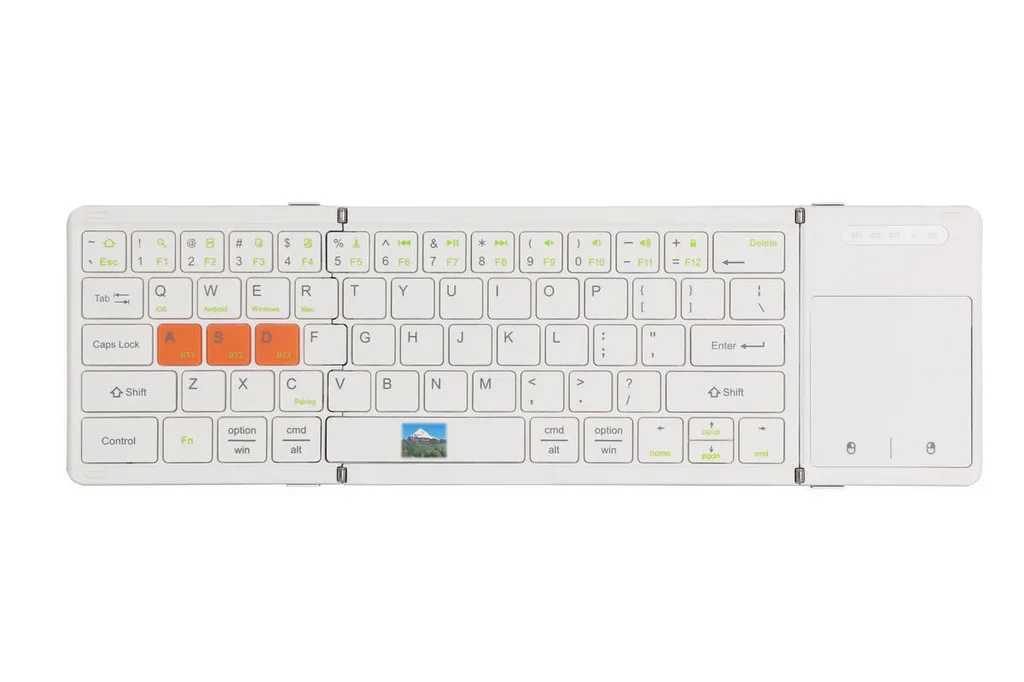

Full View
Hasonló tételek
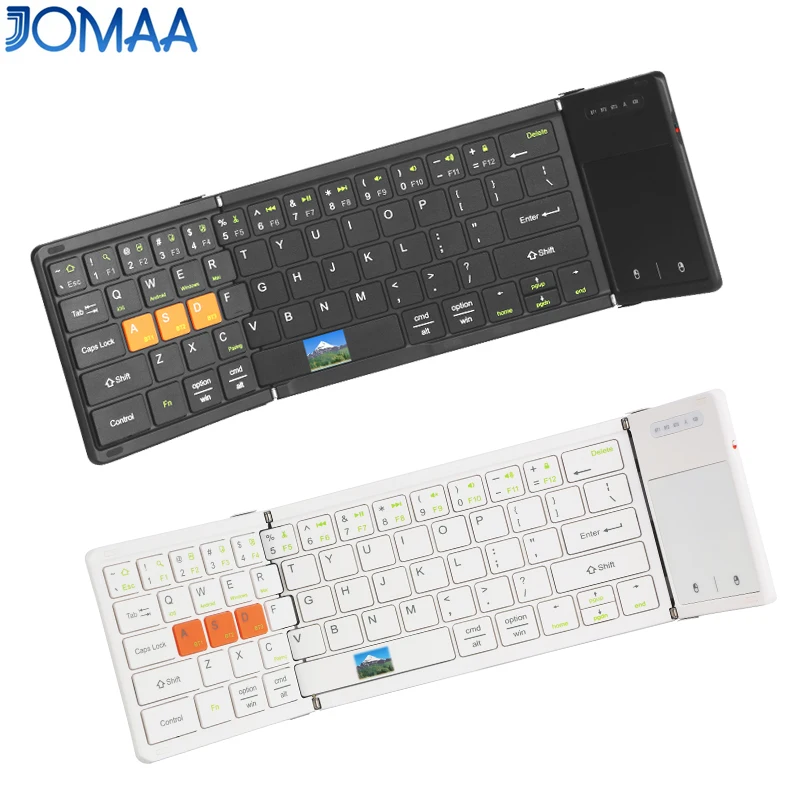
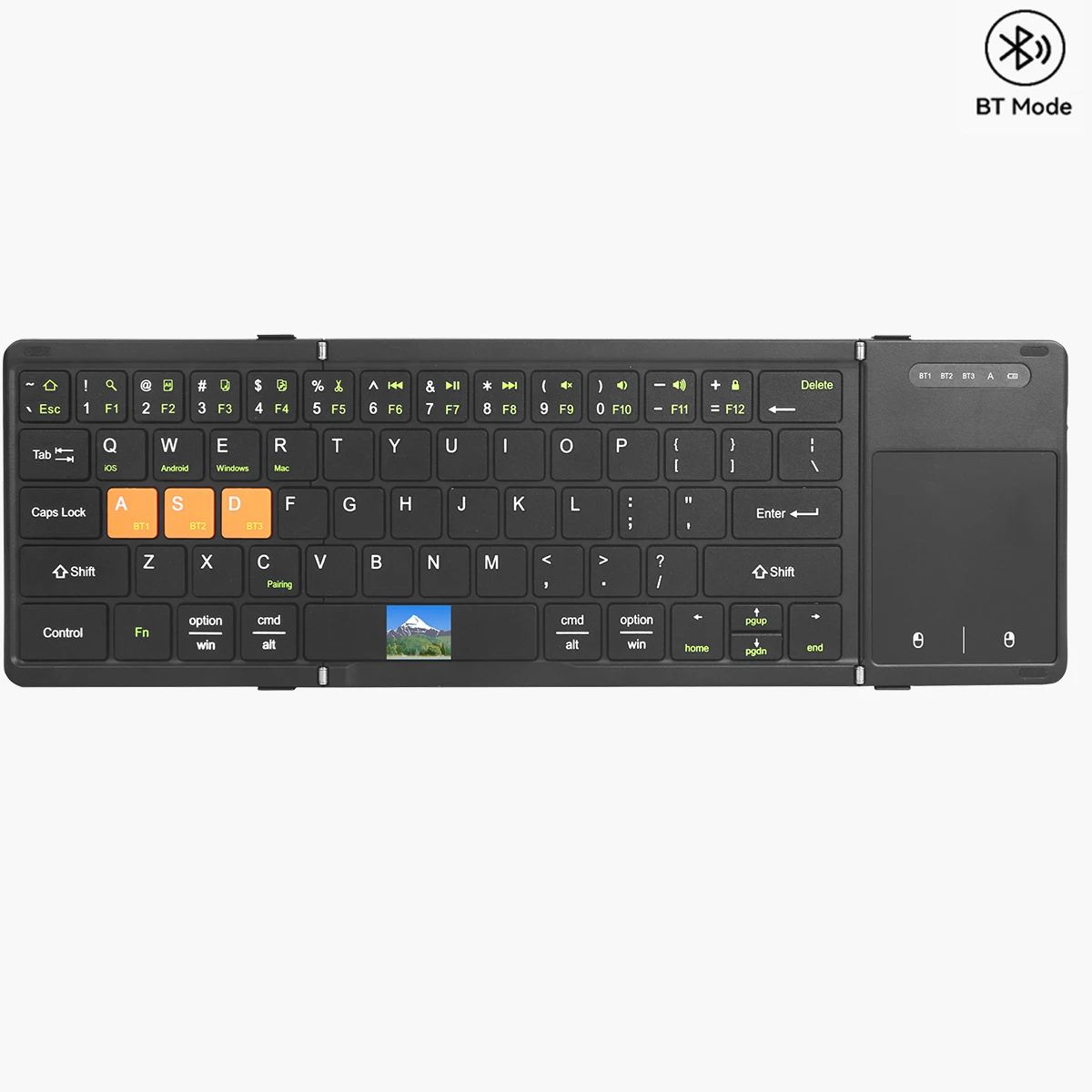
Jomaa Cell Phone Folding Bluetooth With Touchpad Rechargeable Smartphone Keyboard Foldable
20.789,38Ft26.275,36Ft
Szín : Fehér
Mennyiség :

Jelentés
Tartalmazza a szerzői jogok megsértésétIngyenes normál kiszállítás. Lásd a részleteket
Becsült értéke Tue, Jul 14 és Sun, Jul 19 között
A terméket az átvételtől számított 30 napon belül visszaküldheti. Lásd a részleteket
Vásároljon bizalommal

Pénz-visszafizetési garancia
Kapja vissza a megrendelt terméket vagy a pénzét. További információ
About this item
Forrás: TechNex
Seller assumes all responsibility for this listing.Cikkszám: 39287758
Item specifics
Méret
Full-size
Kulcstípus
Mechanical Switches
Kapcsoló típusa
Linear, Tactile, Clicky
Kompatibilitás
Windows, macOS, Linux
Connected devices
1
Illuminated Keys
IGEN
Kapcsolódás
Bluetooth, Logi Bolt USB
USB Type
USB-A
Logi Options
Igen
Item description from the seller
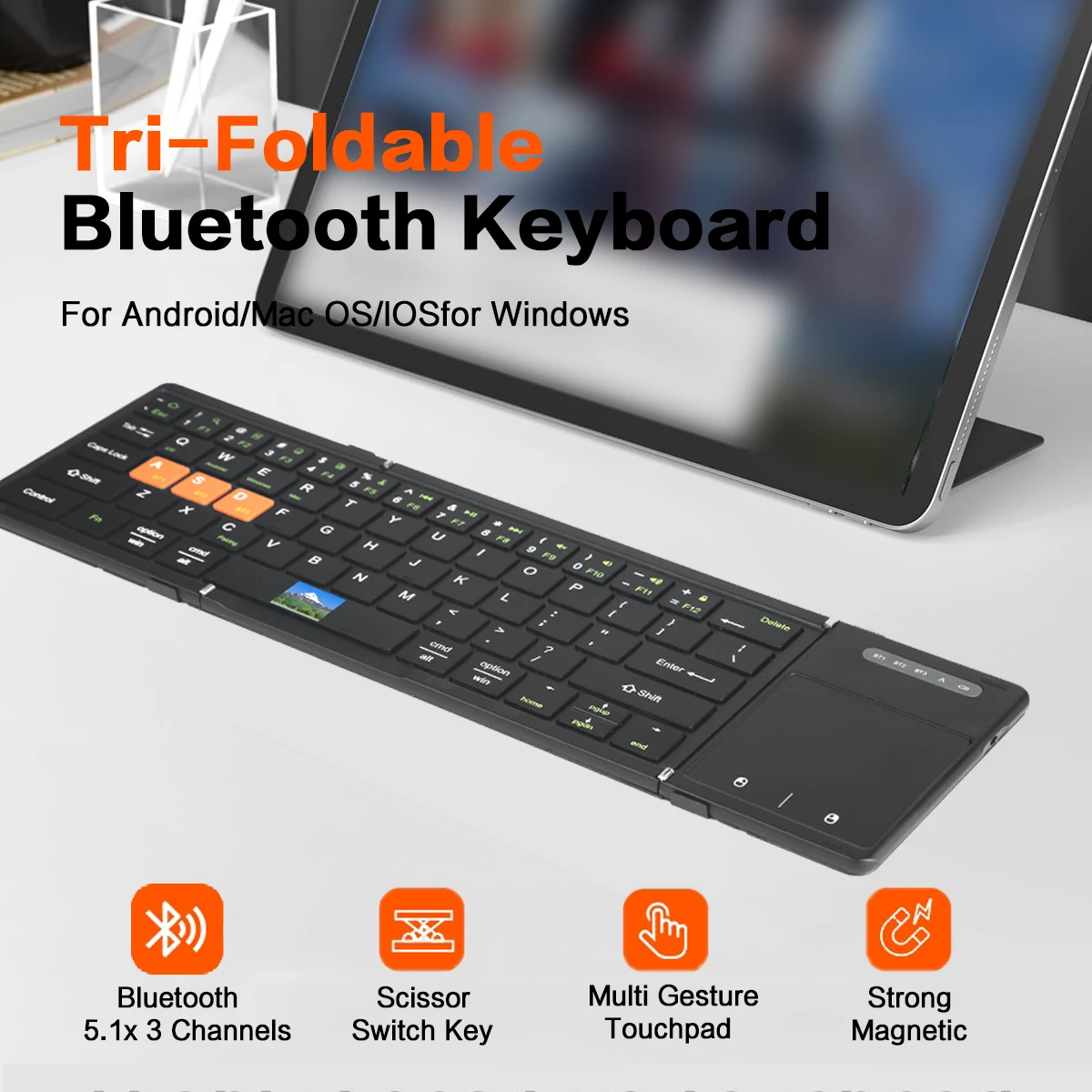
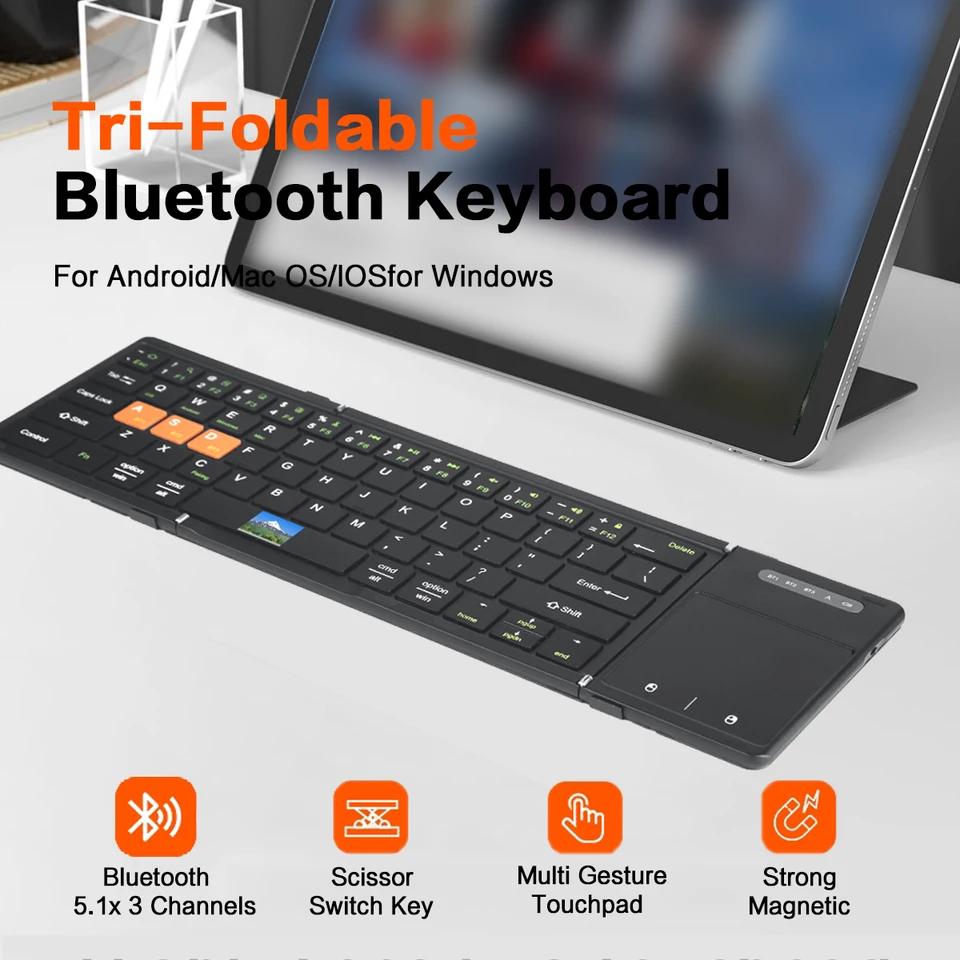
[ Boardcom US Bluetooth 5.1 Chipset ]-Low latency and stable performance,an assurance for high quality keyboard.
[ Ultra Big Touchpad with Left&Right Click ]-Maximumly approach the user experience of laptop touchpad.
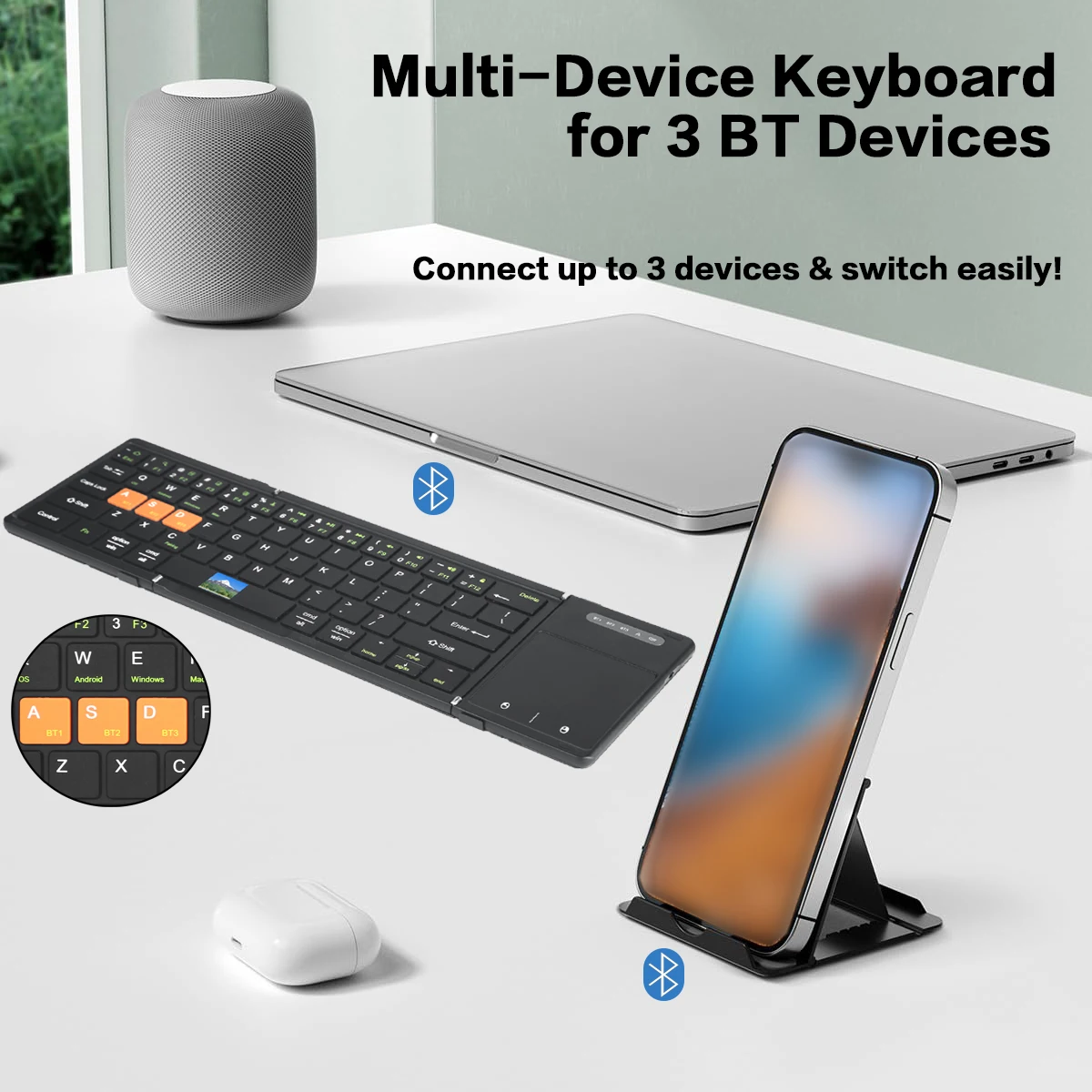
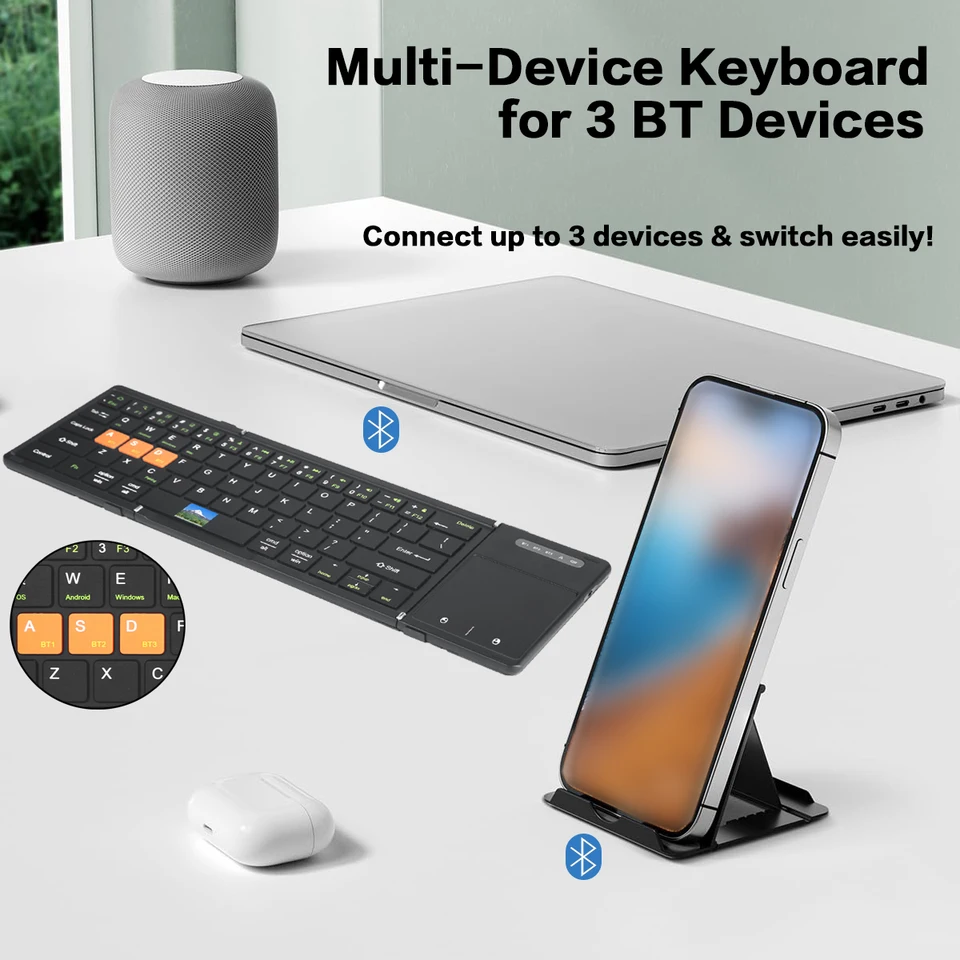
[ 3 Channels Bluetooth Connection ] -3 bluetooth device can connect with the folding keyboard and switch between each other randomly.
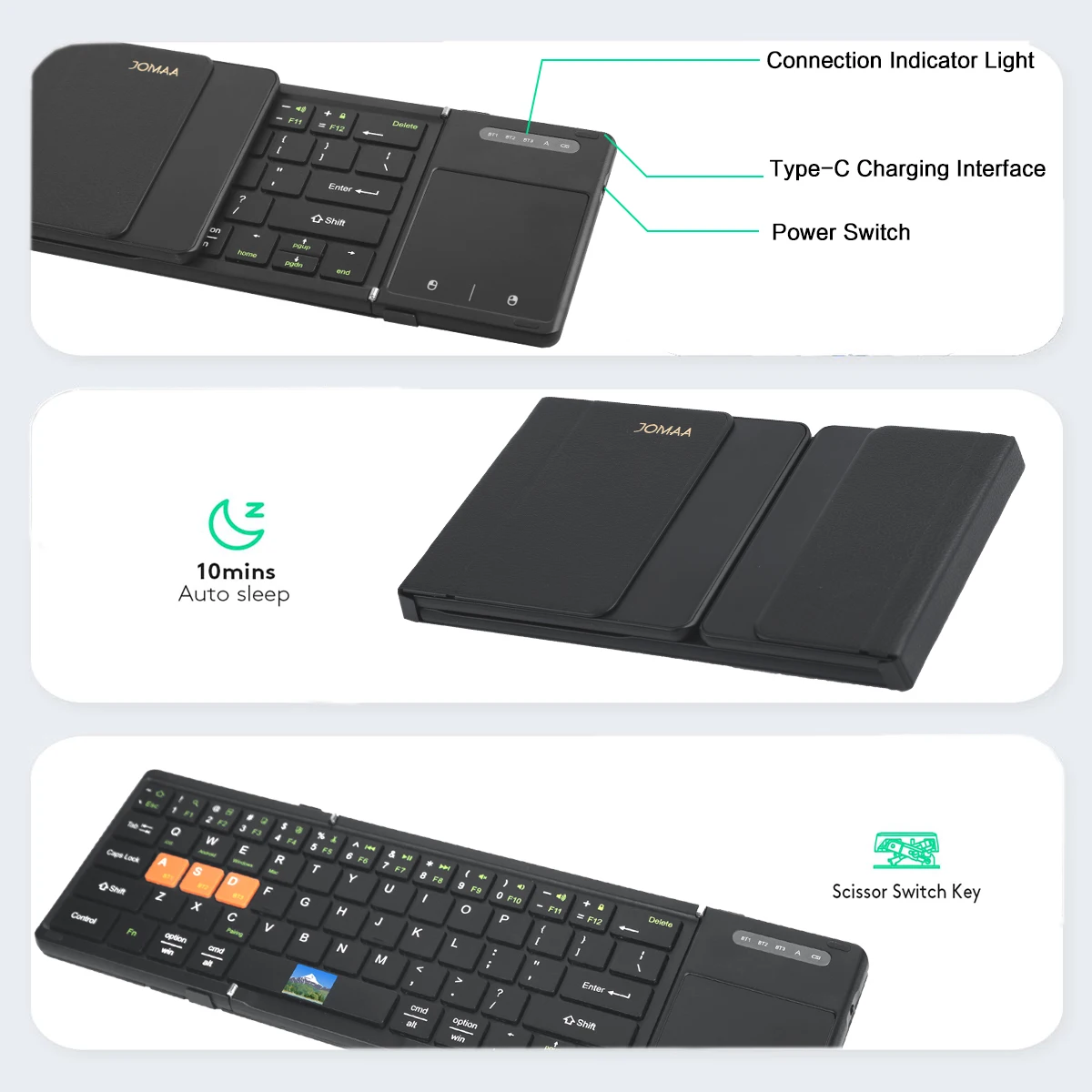
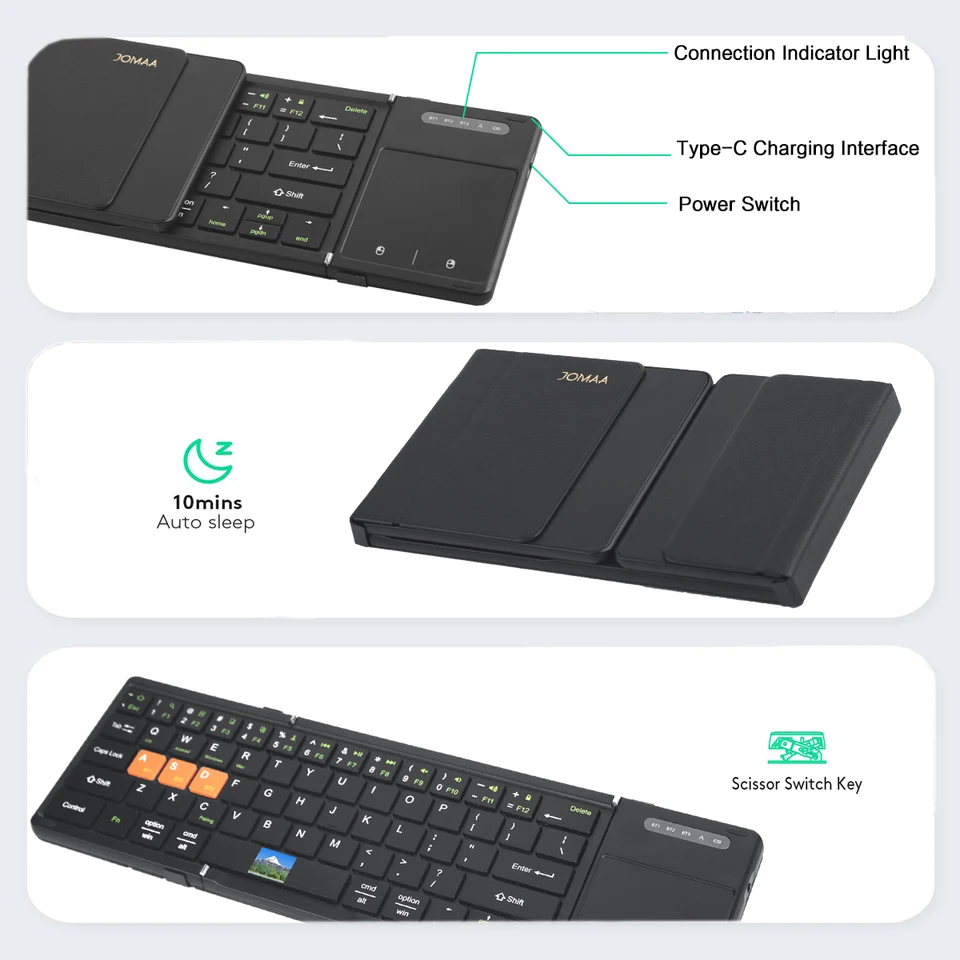
[ Big Size Keycap&Scissors Switch ] -1:1keycap size &layout as laptop and comfortable scissors switch.
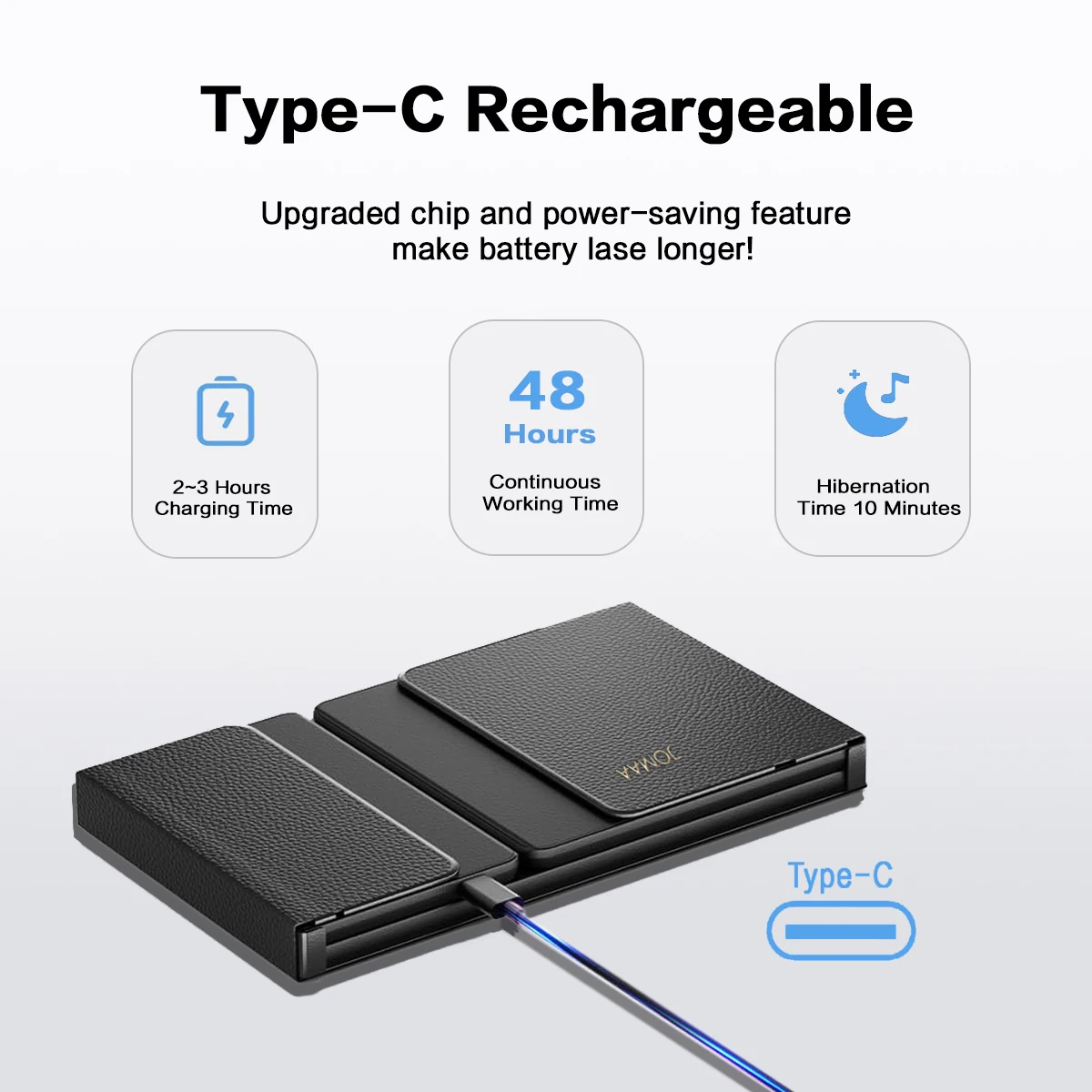
[ Rechargeable Lithium Battery ] -Build in 210mAh big capacity rechargeable lithium battery,long standby time and environment friendly.
[ Multi System Compatible ] -Compatible with Windows,Android,IOS and Mac(Desk,lock key can not use),fully satisfy your of input requirement.
[ Textured PU Leather Back Cover ] -Nice hand feeling and business style.
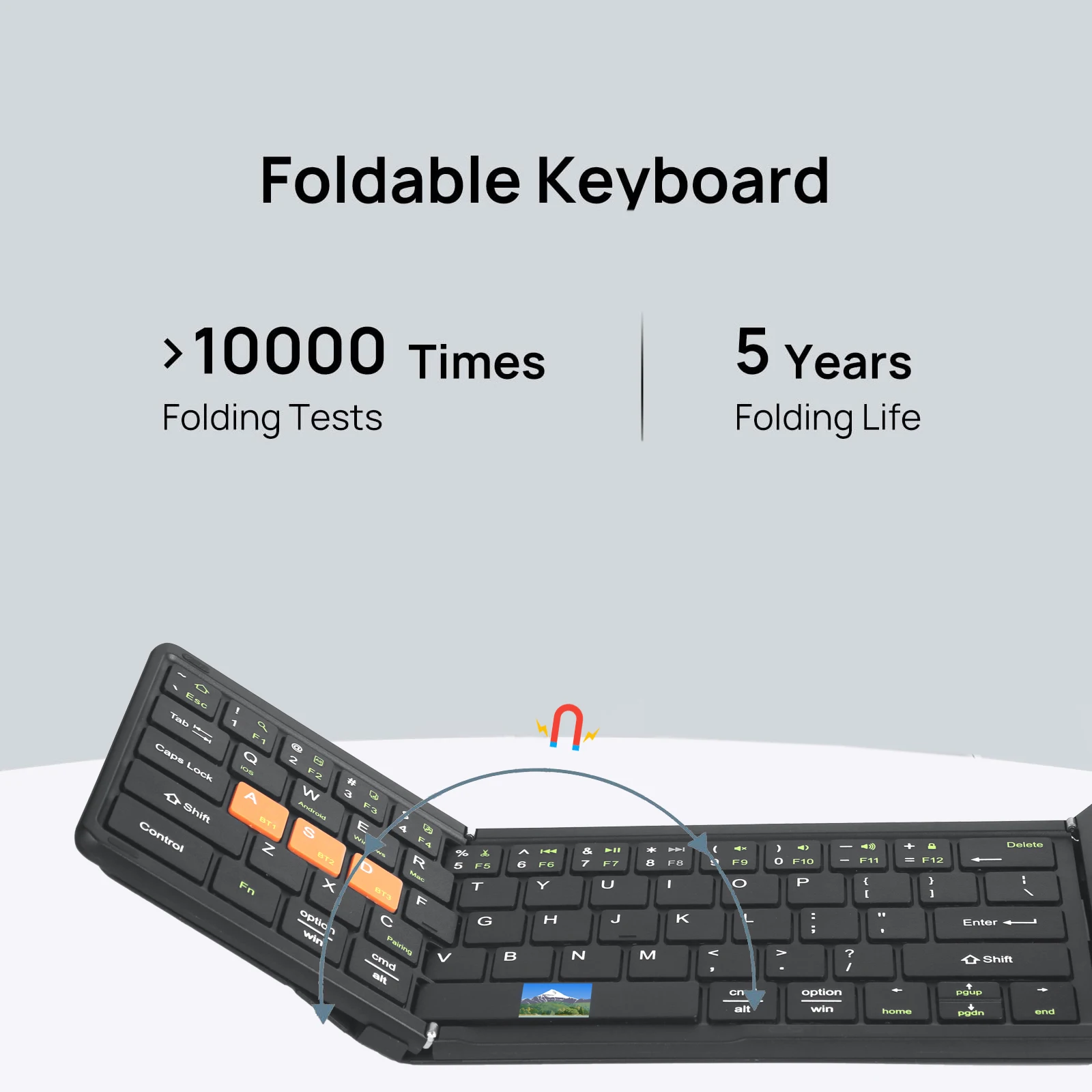
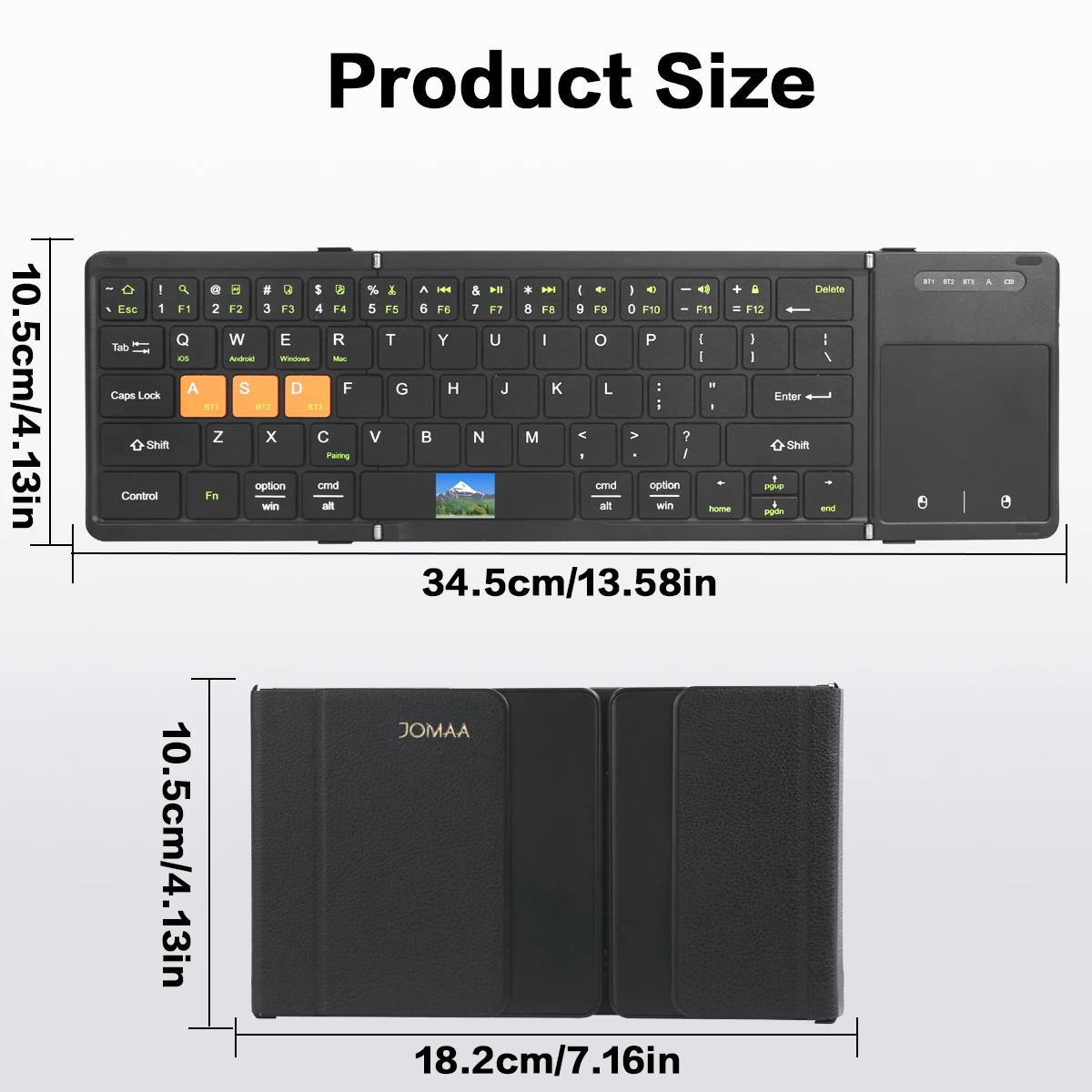
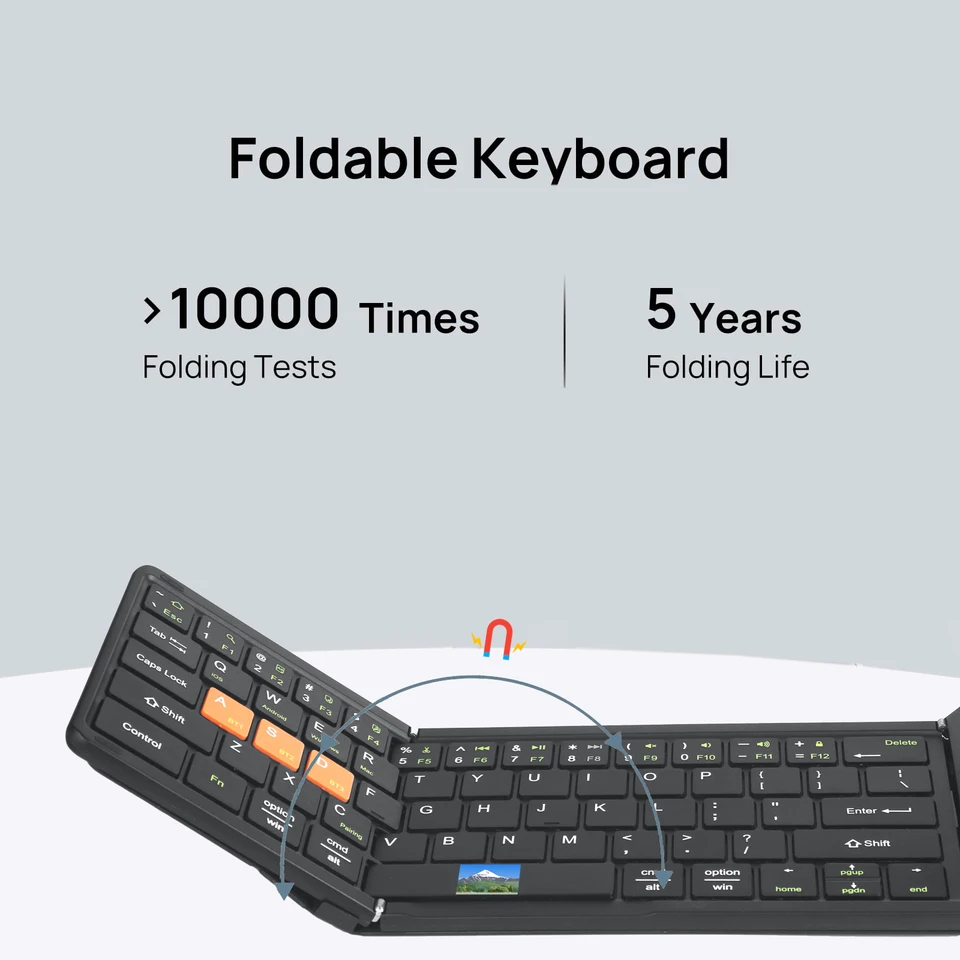
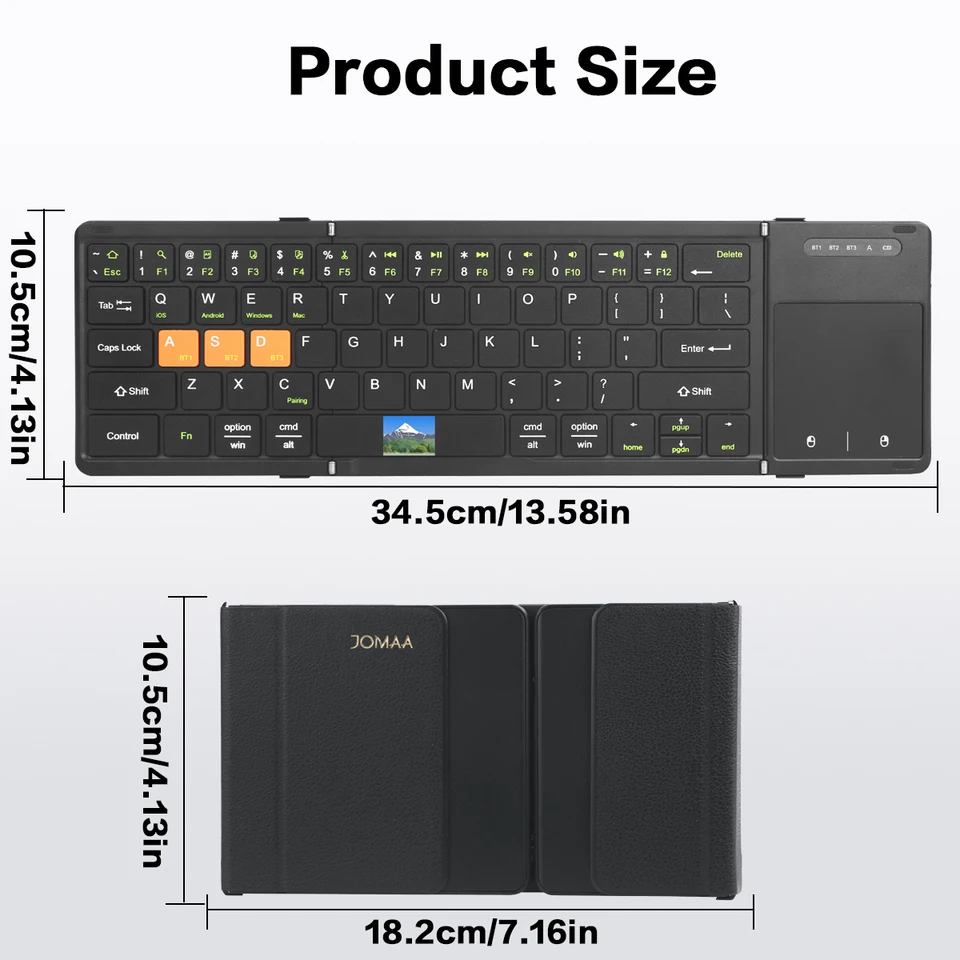
[ Tri Folding Keyboard ] -Combine the nice input user experience of standard size keyboard and portable mini size advantage into one keyboard.
Multi-channel connection Munual
first device, first press "Fn+ BTi" and then press"Fn+C "to start the connection.
*Before connecling the second device, press "Fn+ BT2 "once, thenpress" Fn+C "to start the connection.
.Before connecting the third device, press "Fn+ BT3" once, then press"Fn+C" lo slart the conneclion.
*Td use multiple devices at the same time, press Fn + BT1 / BT2 BT3 to switch to the connected devices freely